NETWORK OPERATIONS CENTER
ANDROID
Installation and setup procedure
Initially install the OpenVPN Connect app from the Google Play Store.
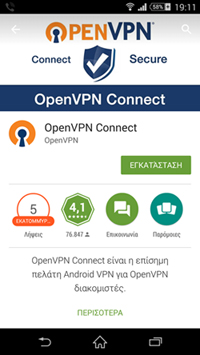
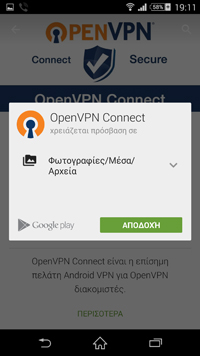
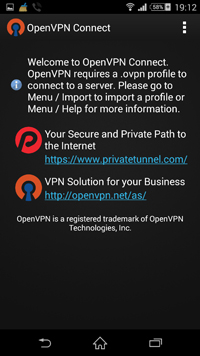
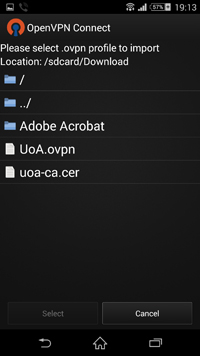
After the app installation is complete, download the UoA.ovpn configuration file and save it in the Downloads folder.
Once the above prerequisite steps are completed, we open OpenVPN Connect and from the app menu we select Import > Import Profile from SD card.
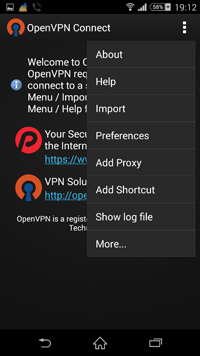
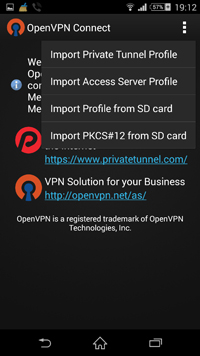
Within the application we will select the UoA.ovpn file we saved earlier, and the configuration import process will begin.
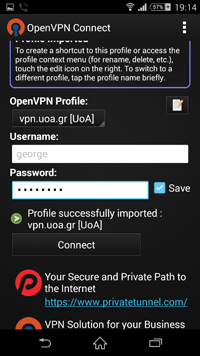
Once the settings import process is complete, you can use the Virtual Private Network (VPN) Connection Service by entering your username and password, after accepting the relevant warning messages.
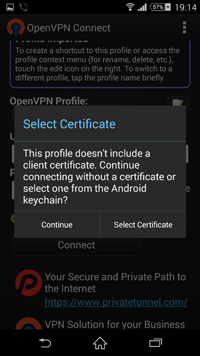
If a warning message related to the Certificate Selection appears (as in the image below), accept it by selecting Continue.
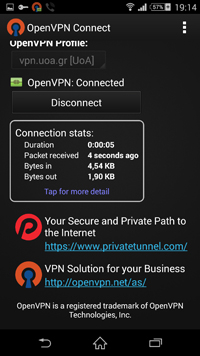
Your login is complete. If you want to check that you have received a university address, you can visit: checkip.noc.uoa.gr